Measured November 23, 2026 · spec 2026.11.4
Free safe-zone templates for TikTok, Reels and Shorts
Transparent 1080×1920 PNG overlays built from our real-phone measurements. Drop one on top of your video in any editor and keep text inside the green box. Free for any use.
Free, no sign-up. Your video never leaves your device.
Or check your finished videoDownload
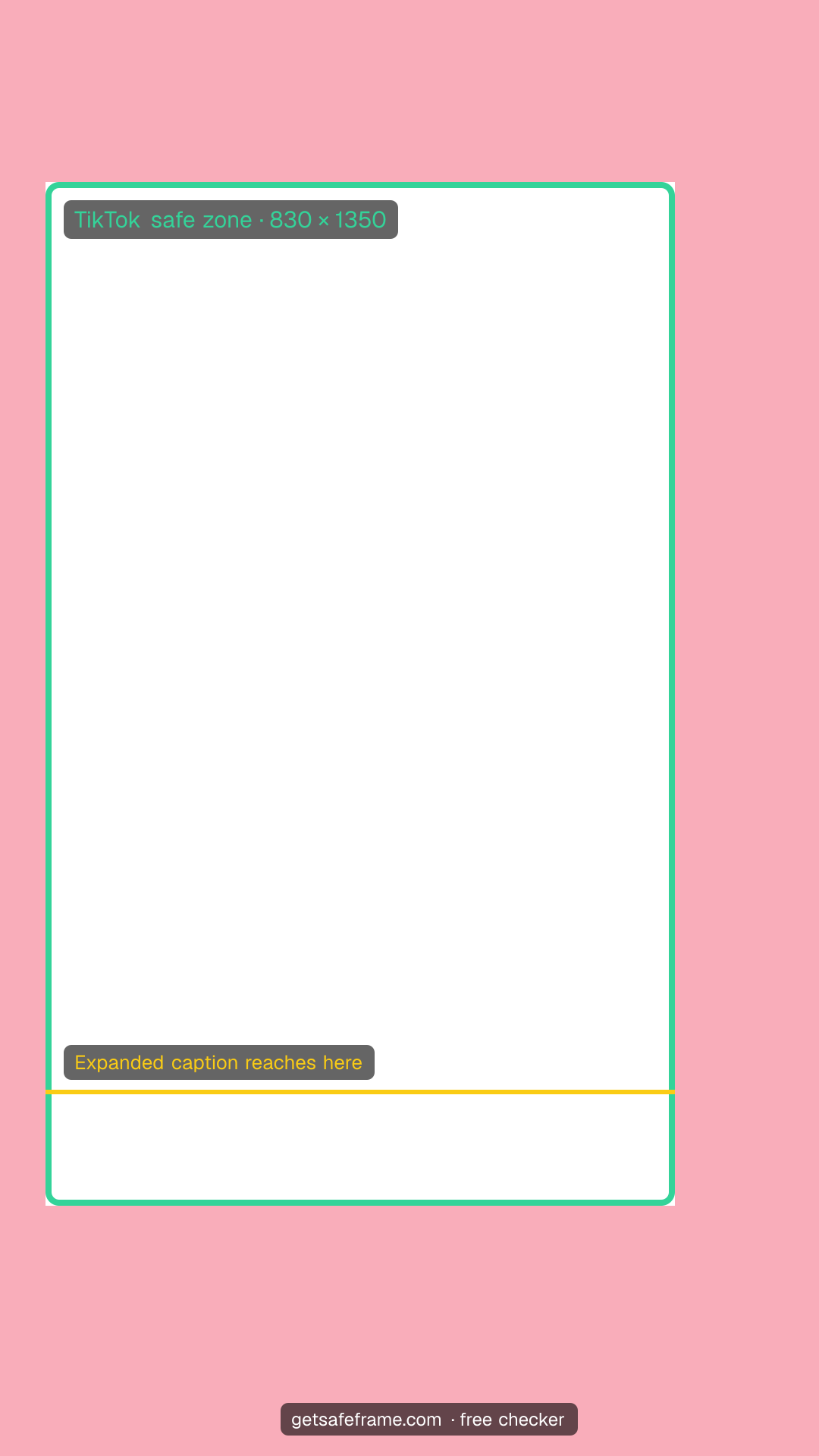 Download PNG
TikTok
Safe area: 830 × 1350 px
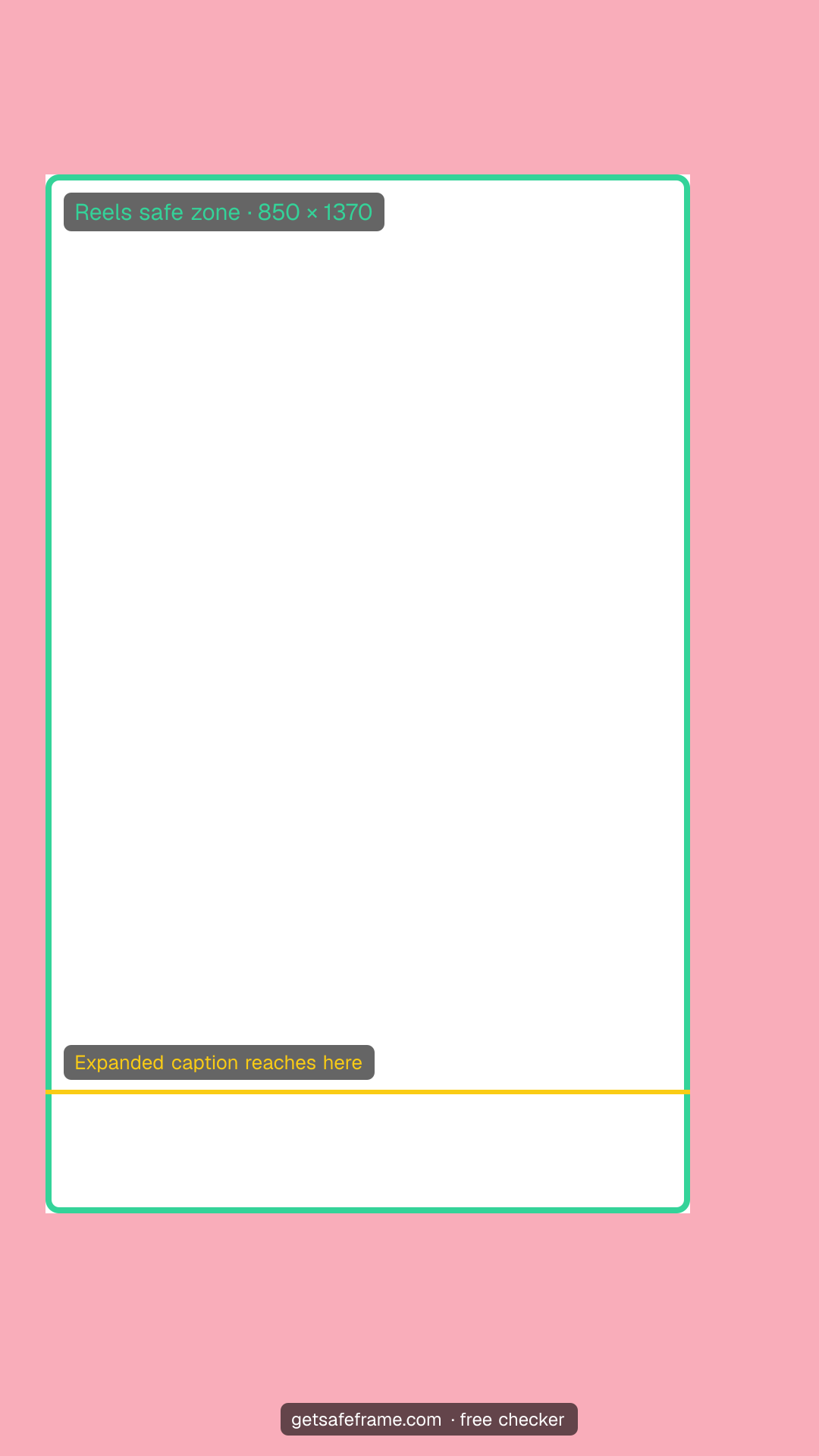 Download PNG
Instagram Reels
Safe area: 850 × 1370 px
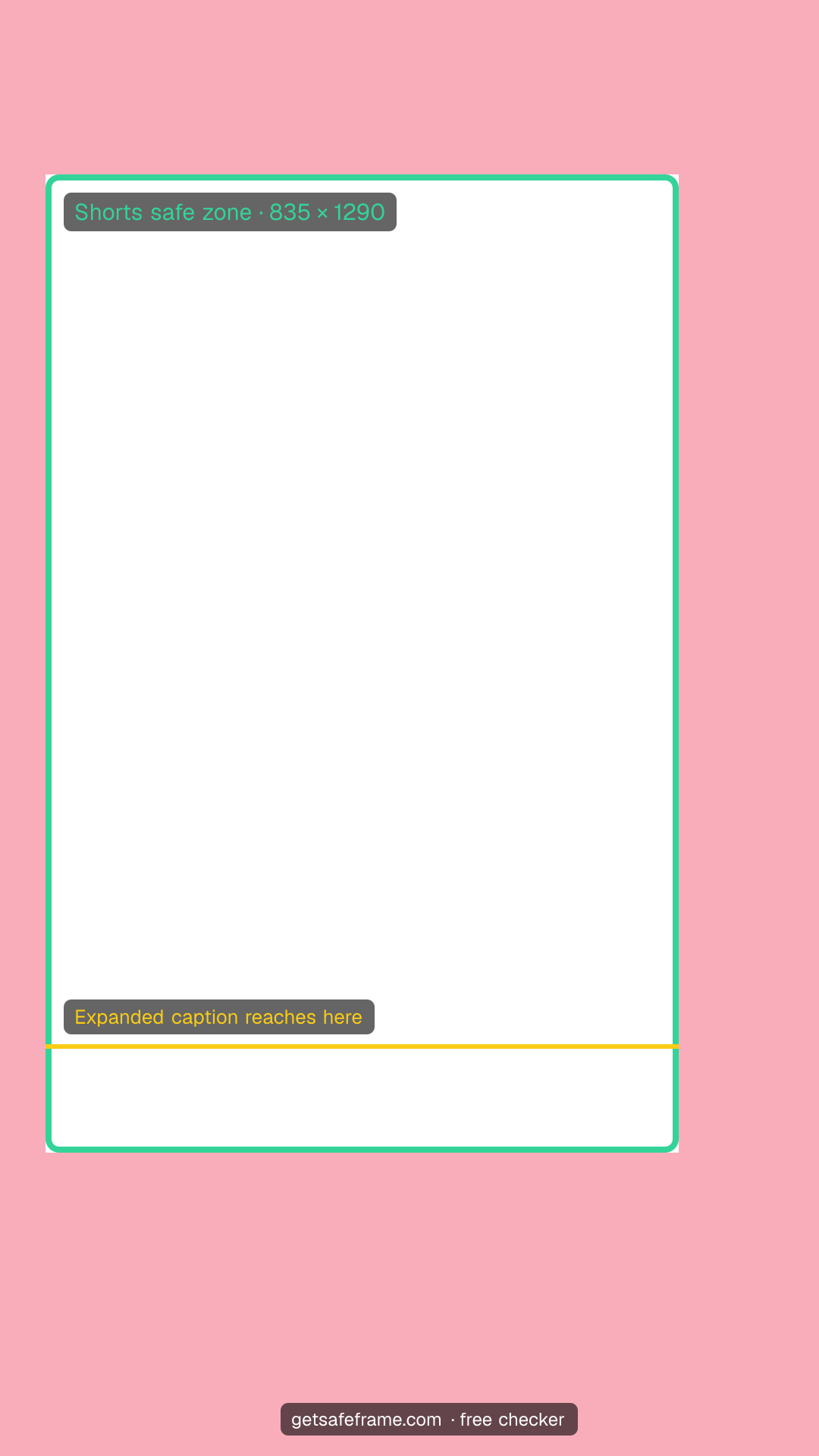 Download PNG
YouTube Shorts
Safe area: 835 × 1290 px
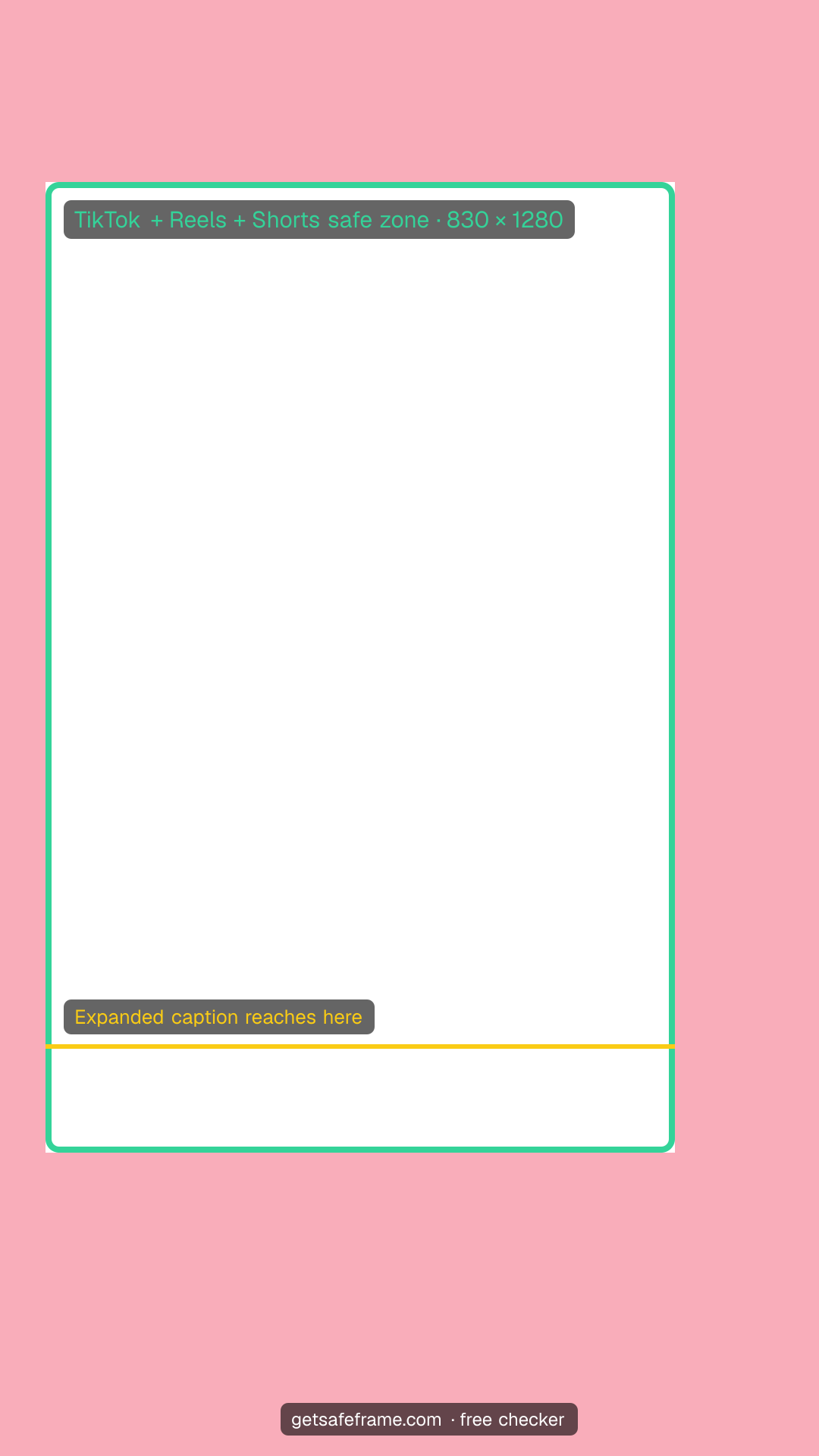 Download PNG
All three at once (universal)
Safe area: 830 × 1280 px
 Download PNG
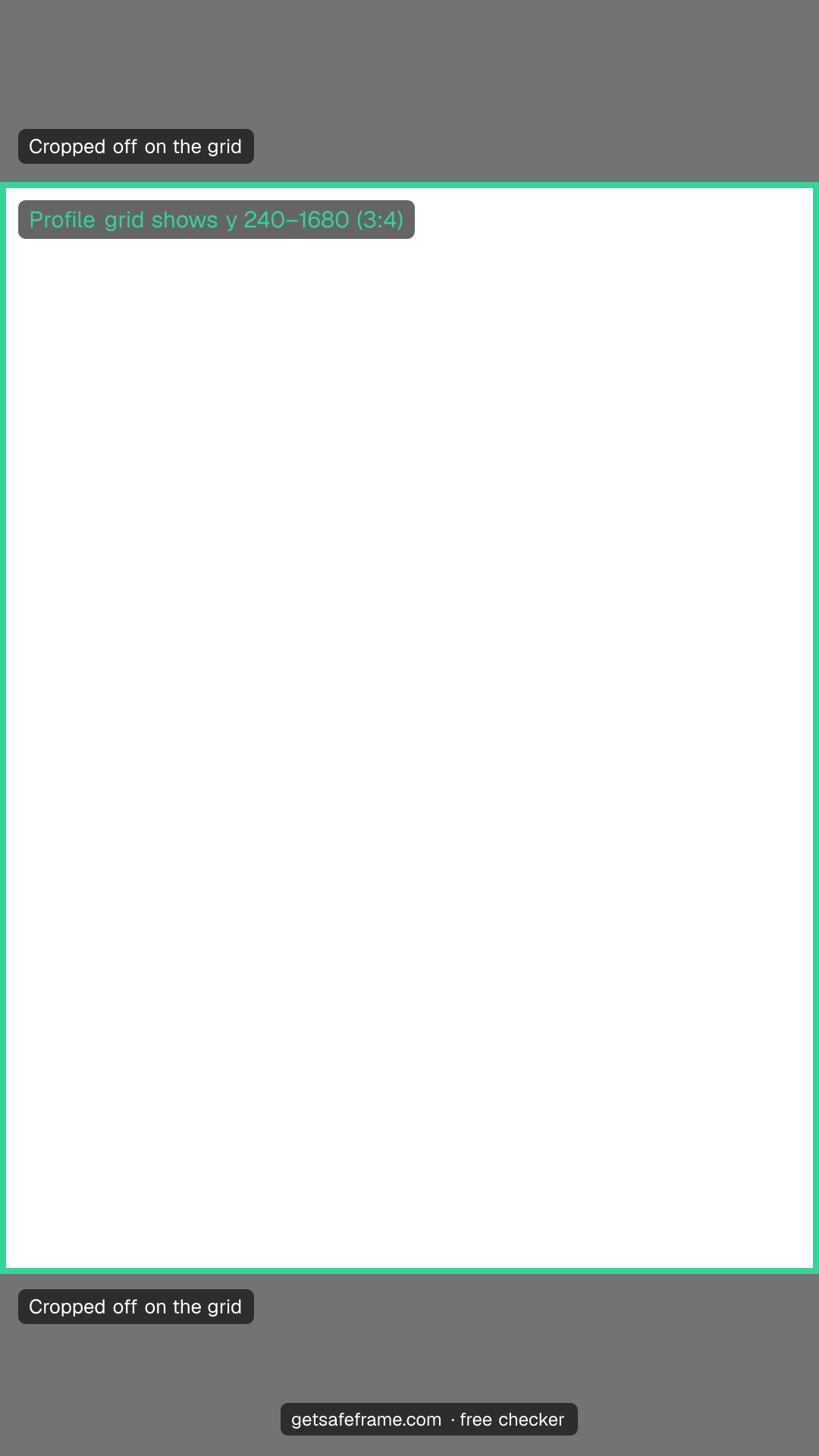
Instagram & TikTok profile grid (3:4)
Safe area: 3:4 band
How to use a template
- Set your project to 9:16, 1080×1920.
- Import the PNG and place it on the top layer, stretched to fill the frame.
- Lower its opacity if it's distracting, and lock the layer so you don't move it.
- Keep text, faces and stickers inside the green box, and above the yellow line if you write long captions.
- Hide or delete the template layer before you export.
This works the same way in CapCut, Premiere Pro, Final Cut, DaVinci Resolve and Canva: any editor that supports image layers.
Where the numbers come from
Each template uses the measurements in our TikTok, Reels and Shorts guides, taken from a pixel-ruler video posted to each app. When the apps change their layouts, we re-measure and the templates update.
Free, no sign-up. Your video never leaves your device.
Or check your finished videoFrequently asked questions
Are these safe zone templates free?+
Yes. Download and use them in any project, personal or commercial. A credit link is appreciated but not required.
What format and size are the templates?+
Transparent 1080×1920 PNG files (9:16), the recommended upload size for TikTok, Reels and Shorts. Covered areas are tinted red, the safe area is outlined in green, and a yellow line marks where an expanded caption reaches.
Which template should I use if I post everywhere?+
Use the universal template. It marks the 830 × 1280 px area that's safe on TikTok, Reels and Shorts at the same time.
Do I need to remove the template before exporting?+
Yes. The template is a guide layer. Hide or delete it before you export, or the red bands will appear in your video.